


Buy TNT Token with BitTNT Spot Trading
BNQ Global
Updated at: 2 years ago
The TNT Token is the utility token for the BitTNT exchange. Owning and trading the TNT Tokens has many benefits for its users. These benefits make the TNT Token a must have for all its users. Users have the option to buy the TNT Token via the Spot Trading feature available of the exchange.
Step-by-Step Buy TNT With Spot Trading
Follow this step-by-step guide to buy the TNT Token with Spot Trading.
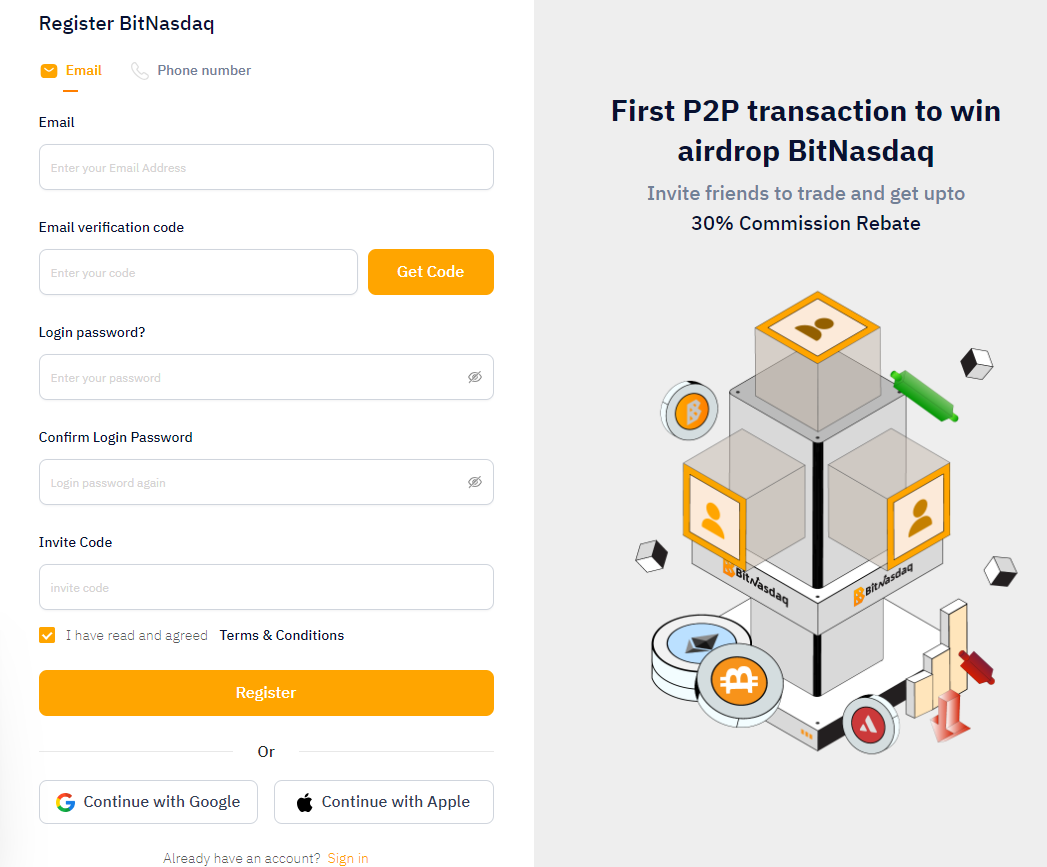
Visit the BitTNT website or download the BitTNT app.
Signup and create your account with a strong Account Password and email.
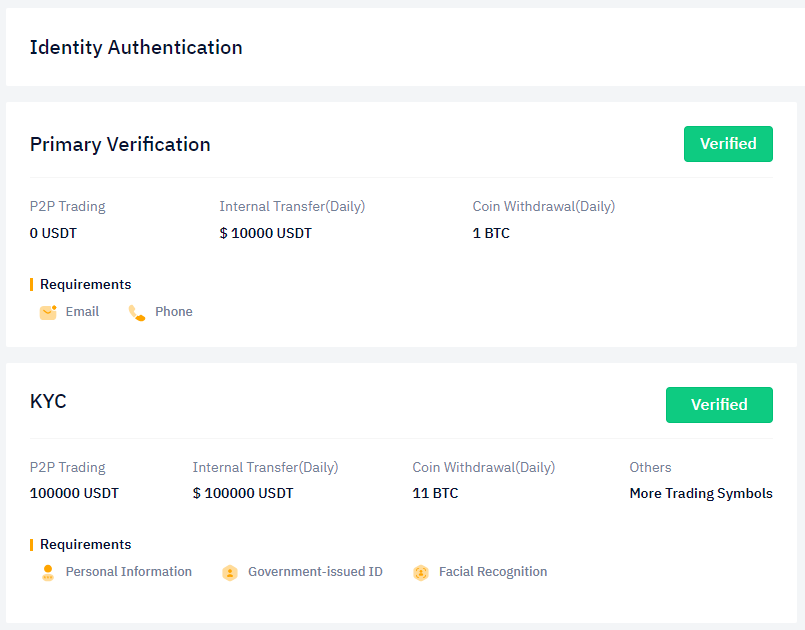
The second step is to login your account and complete your account Identity Verification.
For Identity Verification, users need to complete their Privacy Verification and KYC.
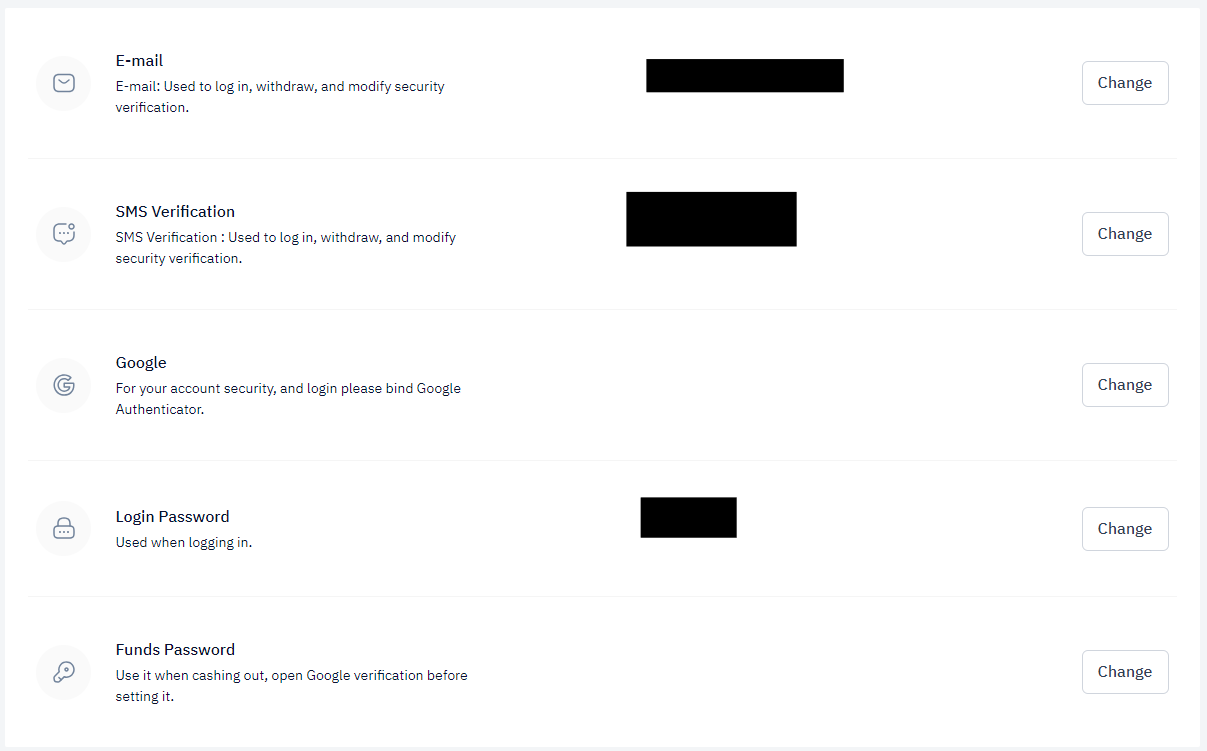
Once done, the third step is to set up the Account Security.
For Account Security, users have to connect Google Authenticator for 2-FA and set a Funds Password.
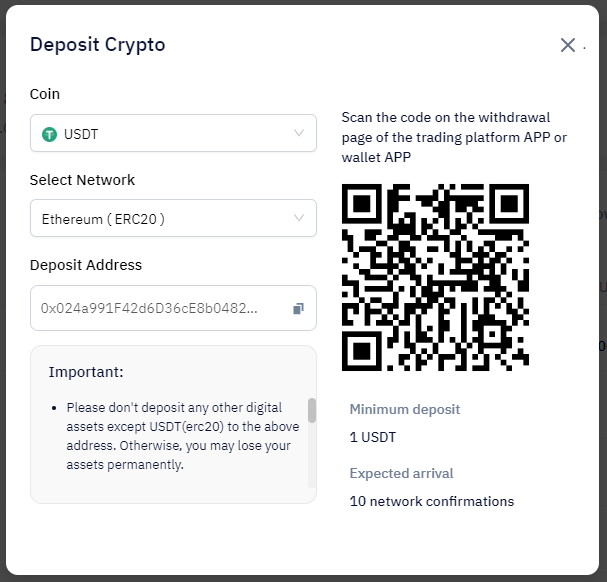
Once the account has been set up, the fourth step is users have deposit funds to their BitTNT account.
For depositing funds, users can use the Deposit option available in Spot Wallet in dashboard to bring USDT to their account.
Once funds have deposited, the fifth step is to navigate to the Spot Trading option available in Trade.
Once you have opened your Spot Trading interface, select the TNT Token available in the list of coins.
Users have the option to trade on Market price, or set a Limit order, or create a Trigger order.
Once your trade has been completed, you will have successfully bought your TNT Tokens.
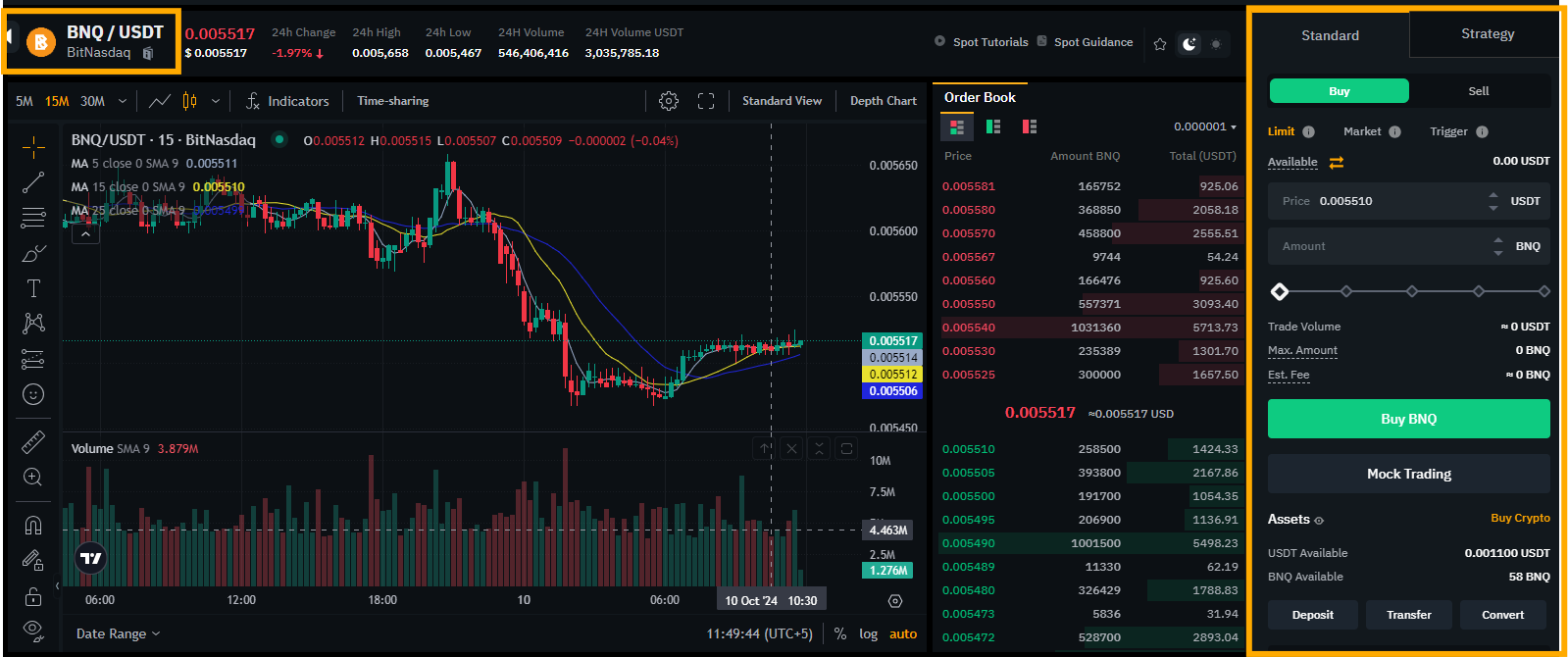
Following this simple step-by-step process will facilitate you completely in buying your TNT Tokens simply with Spot Trading on BitTNT.